Keep Your Kitchen Running Smoothly with Real-Time Order Management

Kitchen Display System streamlines your business’s order flow, speeds up service, reduces errors, and provides full visibility from order to delivery.

Digital Order Queue Management
Continuous Synchronization
Real-time Order Transmission
Marking Complete Orders
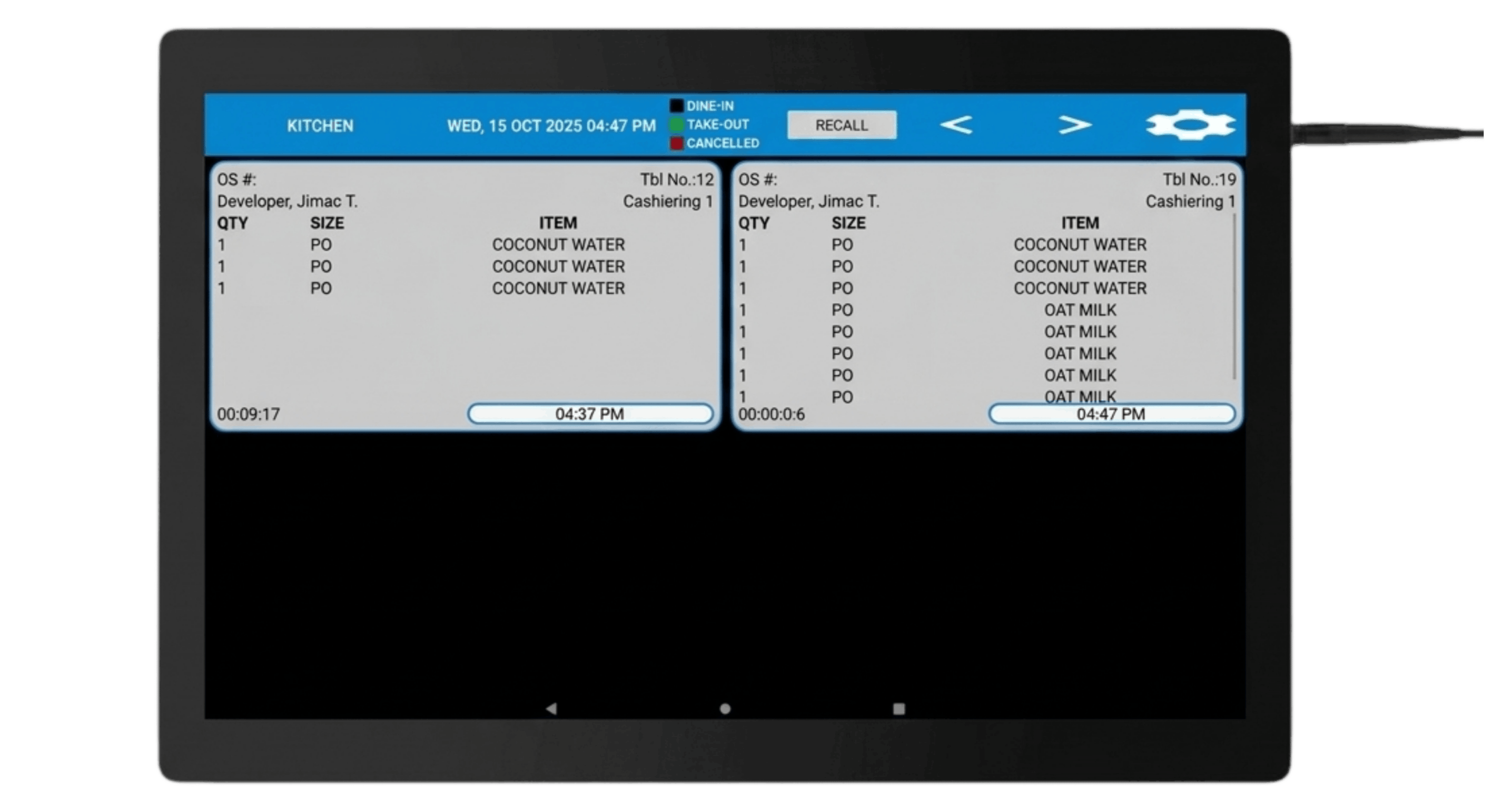
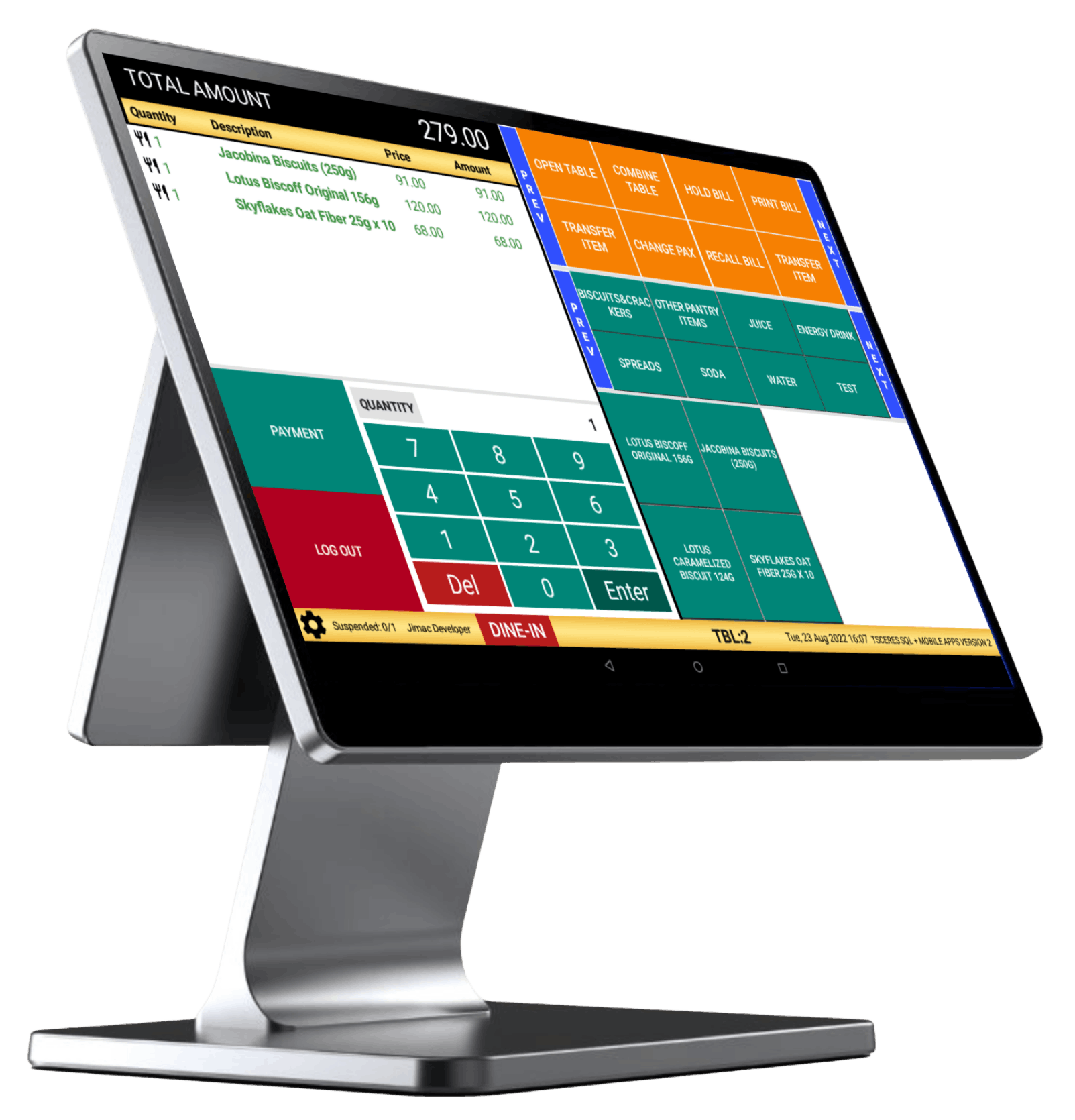
TSCeres POS — Touchscreen Interface

KEY FEATURES

TSCeres POS System TSCeres POS Monitor
01 / 06 Real-time order transmission from POS
← Swipe to explore →

Real-time order transmission from POS

Orders are instantly sent from the POS to the kitchen screen, eliminating delays and manual errors.

Digital Order Queue Management

Organizes incoming orders in a clear, structured queue so staff can prioritize and prepare efficiently.

Color-Coded Order Status Indicators

Uses visual color cues to quickly show order types or statuses.

Order Timer Tracking (Prep Time Monitoring)

Tracks how long each order has been in preparation to help maintain speed and service standards.

Bumping/Marking Orders As Completed

Allows staff to mark orders as done with a single tap, keeping the workflow clean and up to date.

See it in Action

Experience How KDS Helps Your F&B Business

Give this QR code a scan to see our demo in action!

Have Questions?

We’ve rounded up the questions we get most from businesses.

Absolutely, it can be integrated seamlessly with your existing POS system, allowing orders to flow automatically from the front-of-house to the kitchen in real time.

Yes. Our Kitchen Display System works seamlessly with all other JIMAC POS solutions, making it easy to connect multiple outlets or different business operations under one unified system.

Each order on the KDS shows the quantity, size, and item clearly, and features a color-coded legend that indicates whether an order is for dine-in, takeout, or has been cancelled.

Get your FREE demo here!

Learn about our features and how it can help manage your existing operations.


Your TOTAL POS Provider